Policies
Policies are SQL-based detective controls built into CloudQuery Platform. You define criteria for your cloud infrastructure, and CloudQuery continuously evaluates whether your existing resources meet that criteria.
Unlike IaC scanners that catch misconfigurations at deployment time, CloudQuery Policies operate at runtime - detecting issues in resources that already exist, including ones created through the console, by third-party tools, or by IaC that has since drifted.
Writing Policies in SQL
Policies are ClickHouse SQL queries against CloudQuery’s normalized tables - the same tables that cover EC2 instances, RDS databases, EBS volumes, and everything else you’ve synced. You don’t need to learn Rego, OPA, or a vendor-specific policy language.
Example: Find untagged expensive EC2 instances
SELECT instance_id, instance_type, region,
       JSONExtractString(tags, 'Environment') AS env,
       JSONExtractString(tags, 'CostCenter') AS cost_center
FROM aws_ec2_instances
WHERE JSONExtractString(tags, 'CostCenter') = ''
  AND JSONExtractString(state, 'Name') = 'running'
  AND instance_type LIKE '%xlarge'
Example: Find unencrypted RDS instances
SELECT db_instance_identifier, engine, region,
       db_instance_status, JSONExtractString(tags, 'Team') AS team
FROM aws_rds_instances
WHERE storage_encrypted = false
  AND db_instance_status = 'available'
Example: Find unattached EBS volumes
SELECT volume_id, volume_type, size, region,
       create_time, JSONExtractString(tags, 'CostCenter') AS cost_center
FROM aws_ec2_ebs_volumes
WHERE length(attachments) = 0
Policy Groups
Bundle related policies into Policy Groups to enforce compliance standards like CIS, SOC 2, or your own organizational baselines.
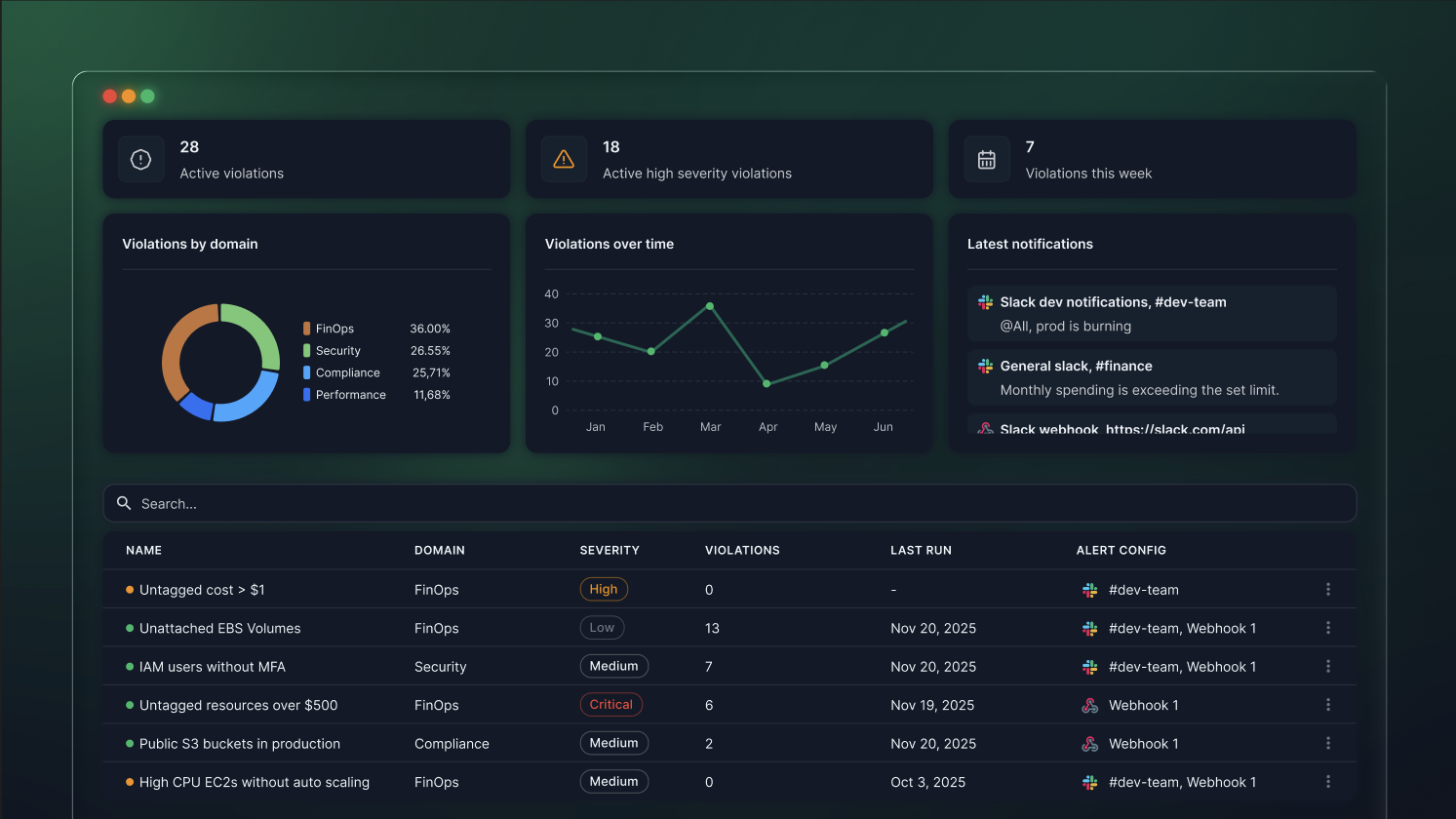
Notifications and Actions
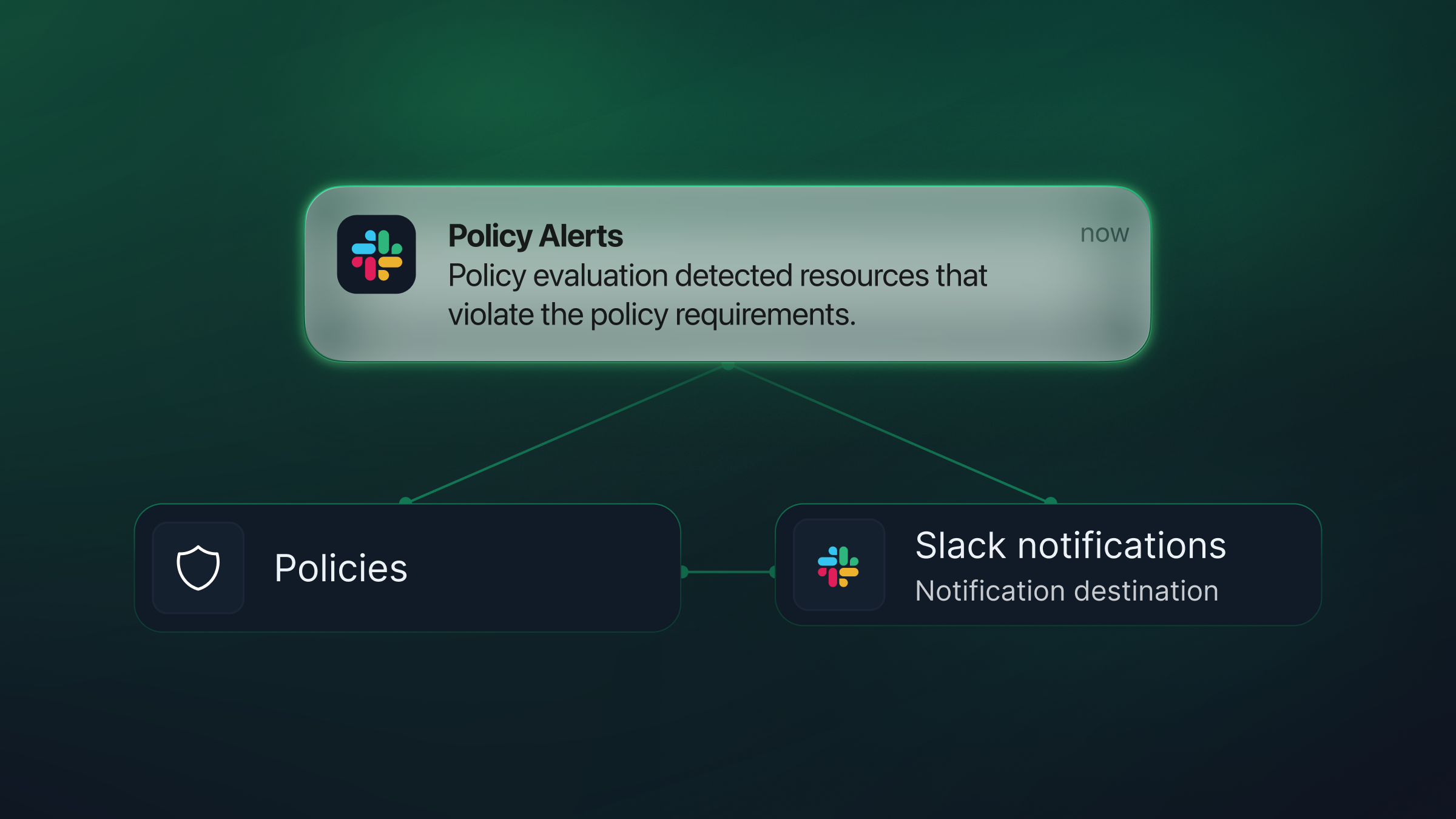
When a policy violation is detected, CloudQuery can notify your team and trigger downstream actions.
- Alert via Slack, Jira, or custom webhooks
- Trigger downstream actions such as Lambda functions, ticketing, or approval workflows
- Violations appear instantly in a unified view
Tracking Violations Over Time
Track how your violation count changes over time. See the impact of new policies, measure remediation progress, and catch regressions.
Use Cases
- FinOps - Idle resources, oversized VMs, missing cost tags
- Security - Public buckets, unencrypted volumes, exposed ports
- Compliance - Region restrictions, tag hygiene, audit trails
- Operations - Old AMIs, unsupported instance types, lifecycle policies
See It in Action
Watch how to create a new CloudQuery Policy from scratch - from writing the SQL query to configuring alerts and reviewing violations.